Purser
How much you can spend today
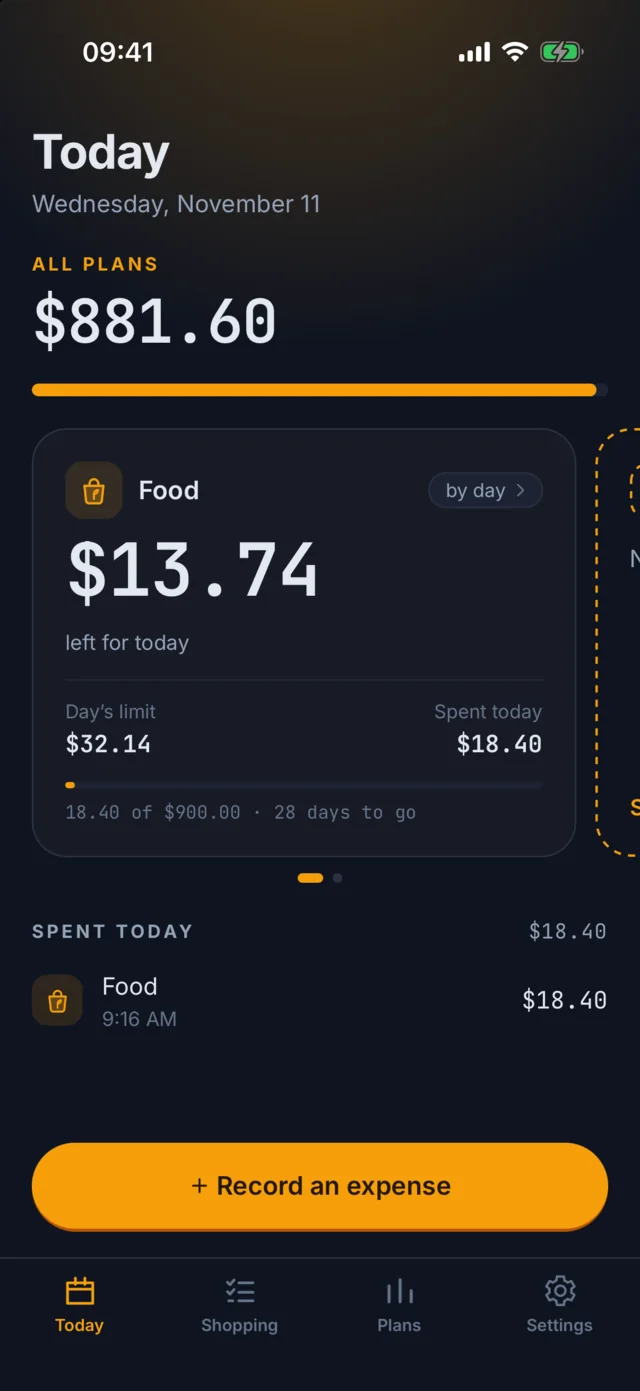
You set an amount for a period, say 900 for food until payday. Purser splits it into days and recalculates after every purchase: spend more and tomorrow is lower, save and it grows.
Release 5 · in testingThere is no public build yet: Purser runs on test devices and reaches the app stores later.
- iPhone and Android
- Works offline
- Six languages
- Light and dark theme
What it does now
R5 · Planning
releasedR4 · Family
releasedR3 · Account and sync
released- Sign in by email, with Apple or with Google
- Plans, expenses and the list are kept in the account and appear on a second phone
- Without a connection records wait on the phone and go by themselves
R2 · Shopping list
released- The list is spread over the days, so that today's purchases fit today's limit
- Tick a purchase and it becomes an expense, counted in the plan at once
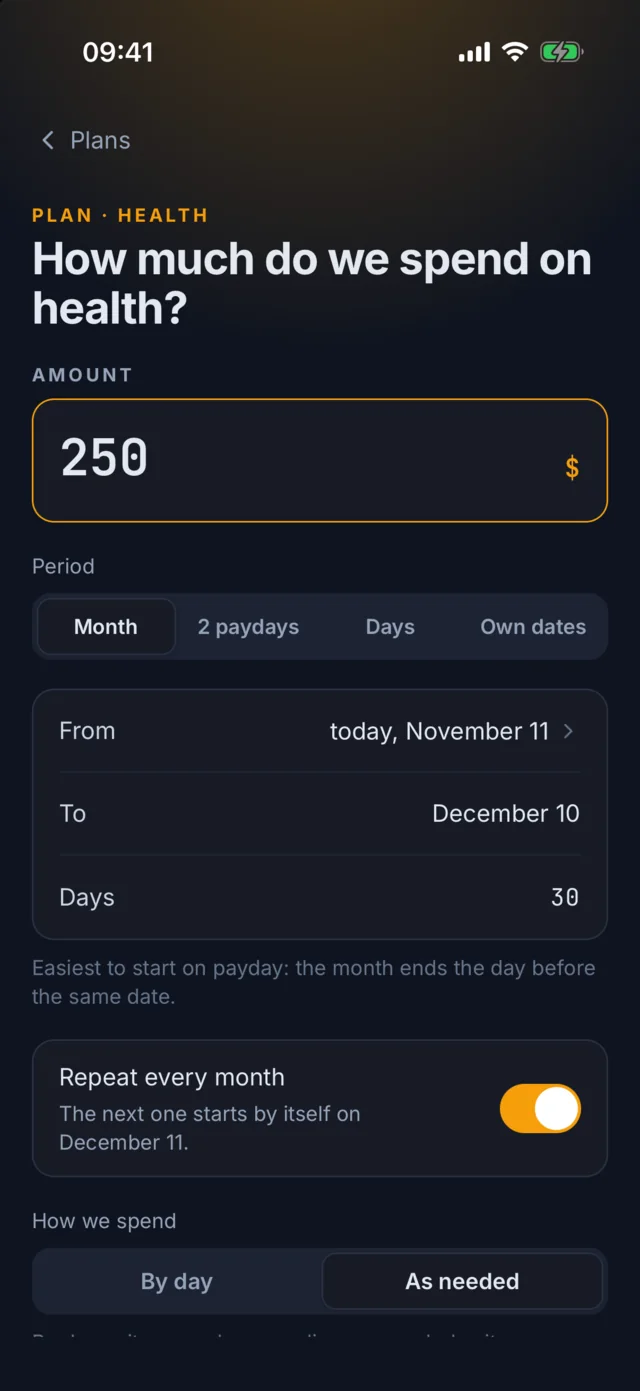
- A plan for two paydays: the two halves of a month are counted apart
R1 · Budget
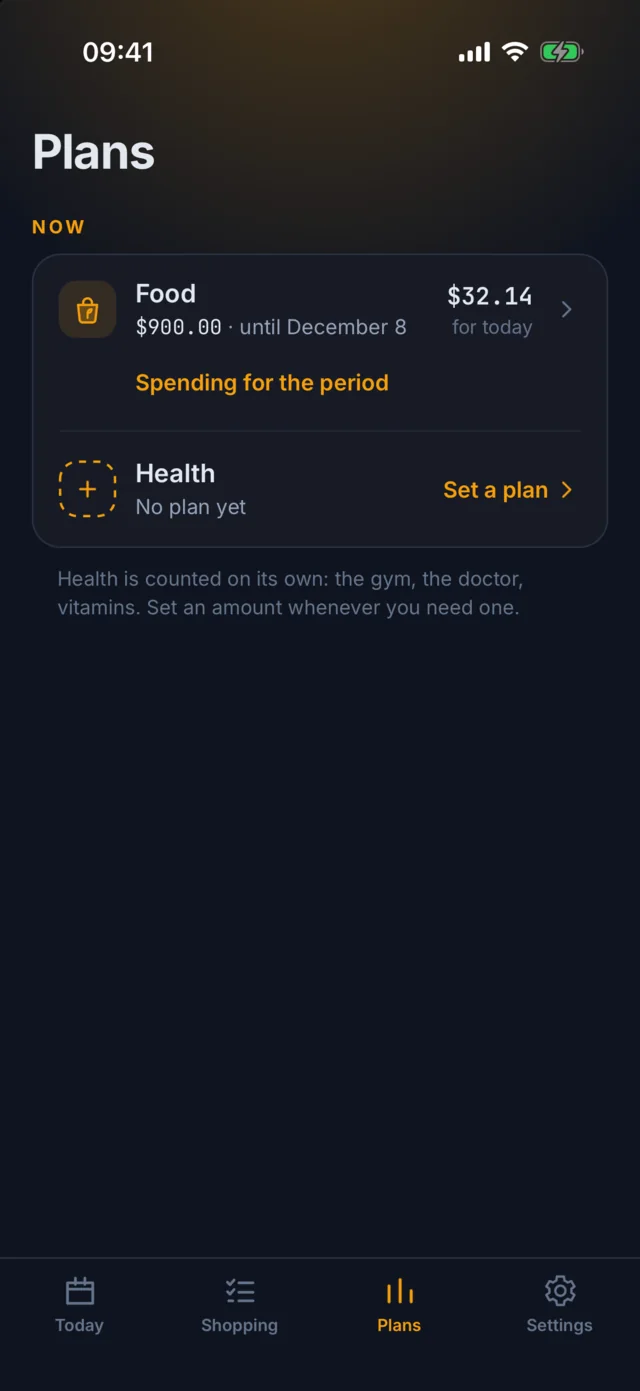
released- A plan for a month or for any dates, separately for food and for health
- Today's limit stays fixed through the day, and what is left updates with every expense
- Everything is kept on the phone, with no account needed
R5.1 · Navigation
in work
What Purser knows about you
Without signing in nothing leaves the phone. The account is for seeing the budget on a second phone and keeping it together.
Stays on the phone
The PIN and the device key. Without signing in also every plan, expense and the shopping list.
Goes to the account after sign-in
Your email, the list of your devices, plans, expenses and the shopping list. Sign-in arrives in release 3.
How to erase it all
Deleting the account in the settings erases its data in every Blockwright app.